Chrome extension and private web gallery
Capture the browser work you choose.
Set a date and daily time window. ScreenPulse captures your currently visible Chrome webpage every 30 minutes, or you can upload screenshots directly.
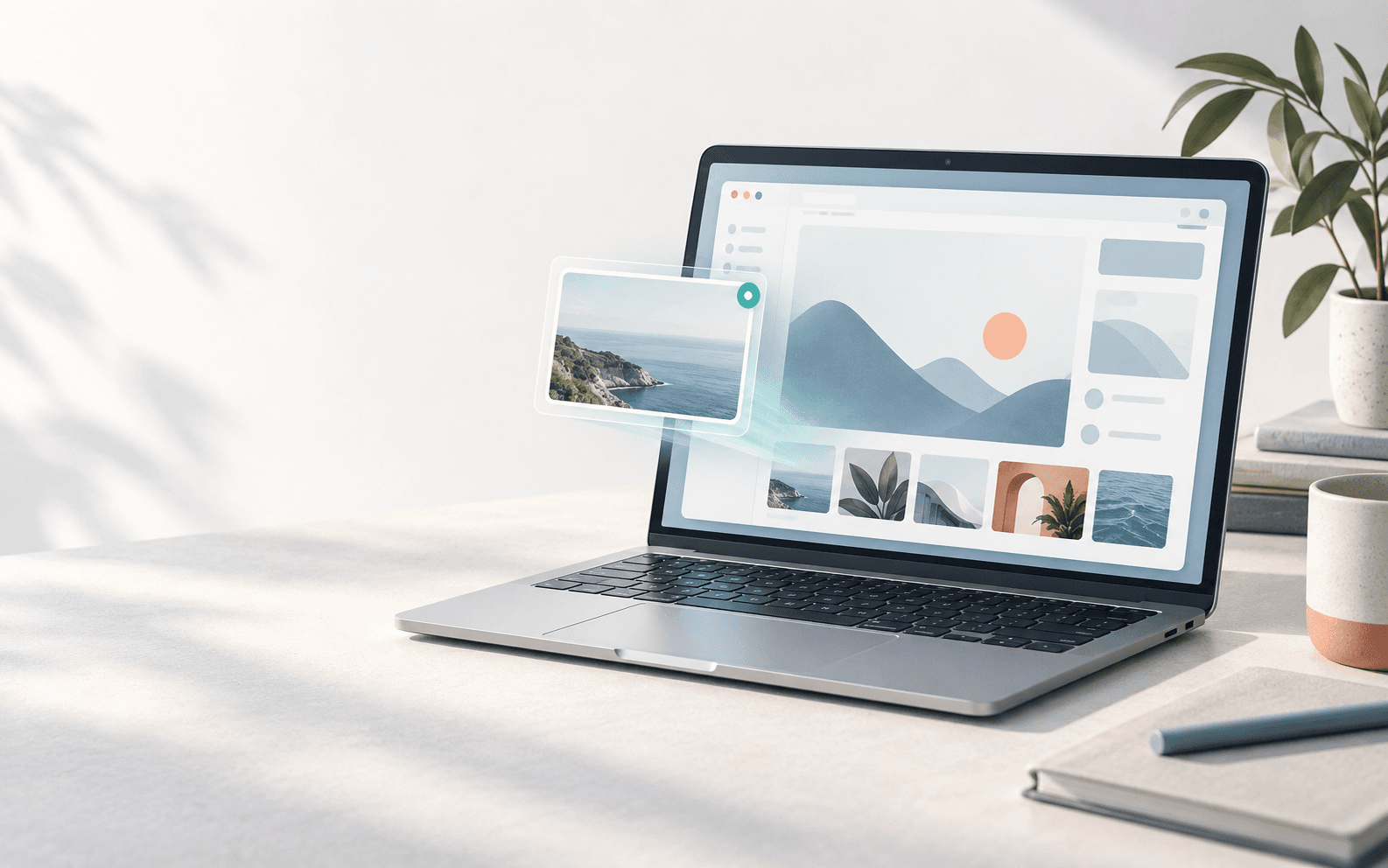
From active Chrome page to private timeline.
Use the extension for automatic browser capture. The schedule is yours, and each screenshot starts on your device.
Install the extension
Add ScreenPulse to Chrome and choose the start date, end date, and daily hours for capture.
Capture on your schedule
Every 30 minutes, ScreenPulse saves the Chrome webpage that is currently visible during your selected window.
Review from your gallery
Screenshots save locally first, then can upload to your private web gallery for review from another device.
Add screenshots your way.
ScreenPulse supports both automatic extension captures and direct uploads in the web app.
Automatic Chrome captures
Within the date and time range you set, the extension captures only the active visible Chrome webpage every 30 minutes.
Direct web uploads
Already have an image? Add it directly from the web gallery when a manual screenshot is the better fit.
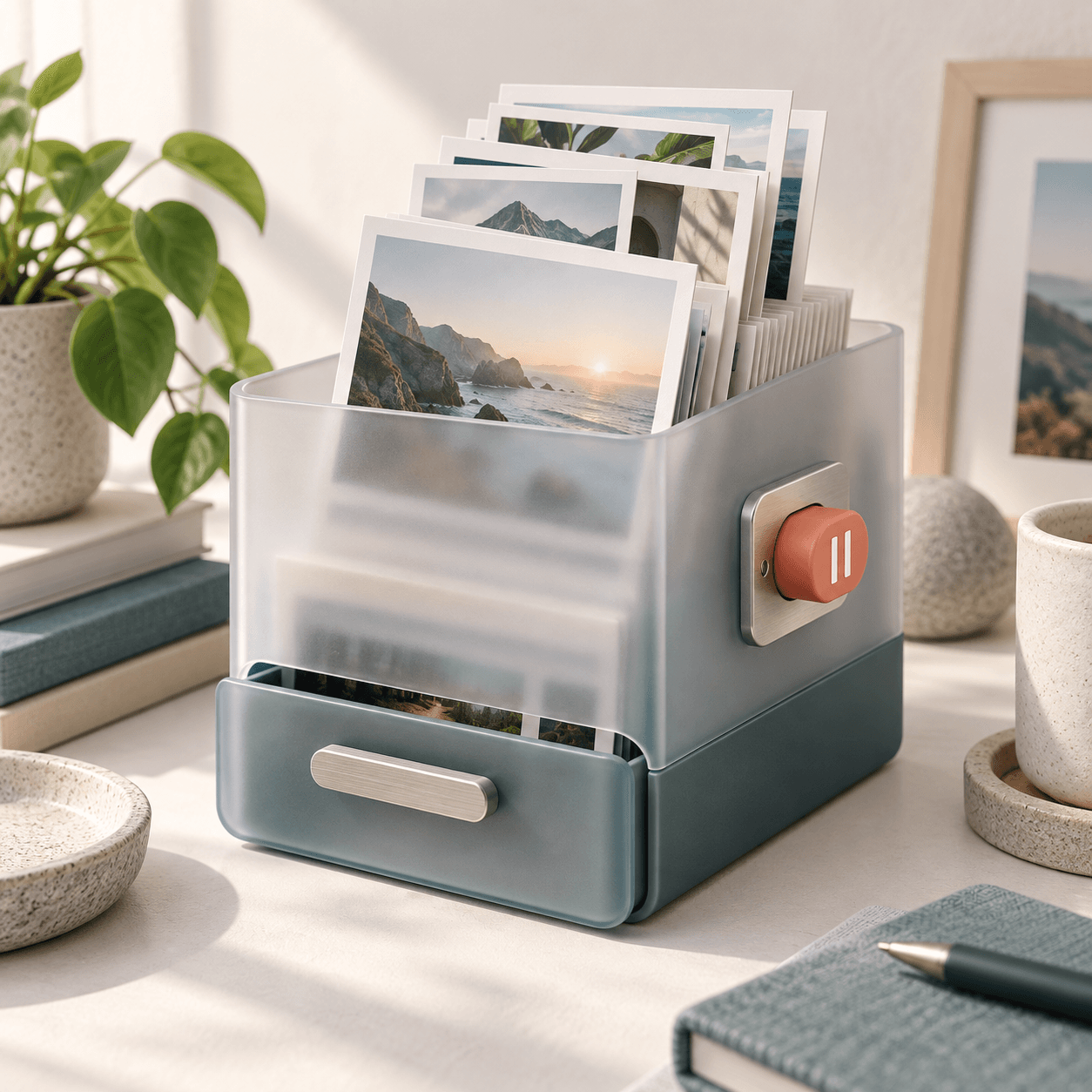
Built to stay in your hands
Capture context, not everything.
ScreenPulse is designed around boundaries that are easy to understand and easy to change.
- Only the active, visible HTTP or HTTPS browser tab can be captured.
- Pause tracking whenever you need to. Your existing schedule remains available.
- Incognito windows and browser internal pages are never captured.
Make a visual record useful.
ScreenPulse helps you revisit browser work without relying on memory, tabs, or a perfect note-taking habit.
Pick up where you left off
Return to a browser page, pull request, document, or research thread you saw earlier.
Keep research in view
Build a chronological visual trail while you compare sources, references, and browser-based work.
Review away from your desk
Open your private web timeline from another device when you need a quick visual reminder.
Optional Codex analysis
Turn a screenshot into useful context.
After you connect ScreenPulse to Codex through MCP, Codex can retrieve an authorized screenshot, inspect it, write a factual description, and save that description back to the same screenshot in your private gallery.
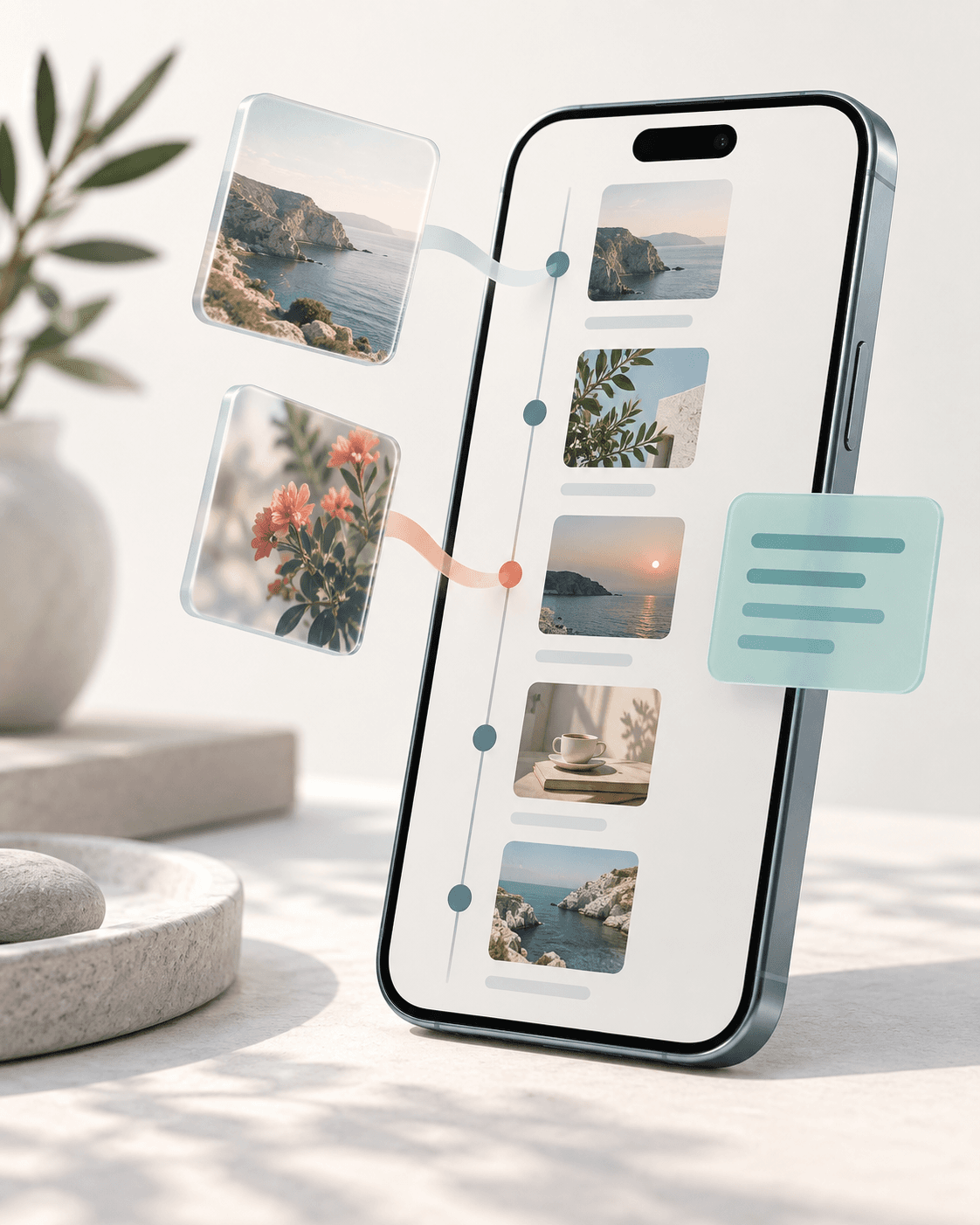
What ScreenPulse is not.
- It is not desktop-wide monitoring or a record of every app you use.
- It does not capture Incognito windows, Chrome internal pages, or full-page scrolls.
- It does not send every screenshot to an AI service or make AI processing a requirement.
Start with the work you choose to keep.
Create a private account, connect your extension when ready, and build a visual history on your terms.